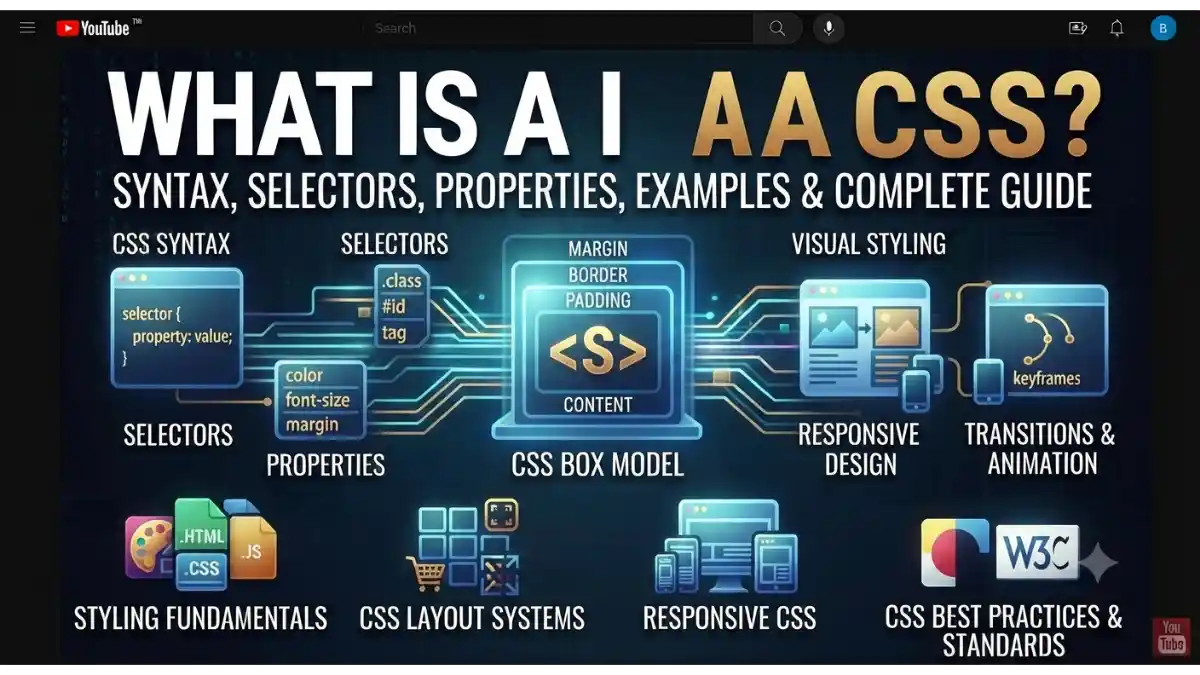
What Is CSS?
When you open a modern website, you see attractive colors, stylish fonts, beautiful buttons, animations, and responsive layouts. All these visual designs are created using CSS.
CSS stands for Cascading Style Sheets. It is a stylesheet language used to control the appearance and layout of HTML web pages.
In simple words, CSS is the design language of the web. If HTML is the skeleton of a website, then CSS is the clothing, colors, and decoration that make it look attractive.
Today, almost every website uses CSS to improve user experience and create professional-looking web pages.
Table of Contents
- What Is CSS?
- Why Is CSS Important?
- How Does CSS Work?
- CSS Syntax
- Types of CSS
- CSS Selectors
- Common CSS Properties
- CSS Box Model
- Responsive Design with CSS
- Advantages of CSS
- Limitations of CSS
- CSS vs HTML
- Beginner CSS Tutorial
- Best Practices for Writing CSS
- Frequently Asked Questions (FAQs)
- Conclusion
Why Is CSS Important?
Without CSS, websites would display only plain text and simple HTML elements. CSS transforms those basic pages into visually appealing and user-friendly websites.
Reasons Why CSS Is Important
- Adds colors and backgrounds
- Changes fonts and typography
- Controls page layout
- Makes websites responsive
- Creates animations and transitions
- Improves user experience (UX)
- Separates design from content
- Reduces repetitive styling code
How Does CSS Work?
CSS applies styles to HTML elements using selectors and properties.
The browser reads the HTML structure and then applies the matching CSS rules to display the webpage.
The basic process is:
- The browser loads the HTML document.
- It loads the CSS file or CSS code.
- CSS selectors match HTML elements.
- The browser applies the specified styles.
- The styled webpage is displayed to the user.
CSS Syntax
A CSS rule consists of a selector and one or more declarations.
h1 {
color: blue;
font-size: 36px;
}
Explanation
- h1 → Selector
- color → Property
- blue → Value
- font-size → Property
- 36px → Value
Every declaration ends with a semicolon (;).
Types of CSS
There are three main ways to add CSS to a webpage.
1. Inline CSS
Inline CSS is written directly inside an HTML element.
Example:
<h1 style=”color: blue;”>Welcome</h1>
Advantages
- Quick for small changes
Disadvantages
- Difficult to maintain on large websites
2. Internal CSS
Internal CSS is written inside the <style> tag in the HTML document.
Example:
<head>
<style>
h1{
color:blue;
}
</style>
</head>
Best For
- Single-page websites
- Small projects
3. External CSS
External CSS stores all styles in a separate .css file.
Example HTML:
<link rel=”stylesheet” href=”style.css”>
Example CSS (style.css):
h1{
color:blue;
}
Advantages
- Easy to manage
- Reusable
- Faster maintenance
- Recommended for most websites
CSS Selectors
Selectors tell CSS which HTML elements should receive specific styles.
Element Selector
p{
color:black;
}
Styles all <p> elements.
Class Selector
.box{
background:yellow;
}
Used with:
<div class=”box”>Content</div>
ID Selector
#header{
background:black;
}
Used with:
<div id=”header”></div>
Universal Selector
*{
margin:0;
padding:0;
}
Applies styles to all elements.
Group Selector
h1,h2,h3{
color:green;
}
Styles multiple elements at once.
Common CSS Properties
CSS includes hundreds of properties. Some of the most commonly used are:
Text Properties
- color
- font-size
- font-family
- font-weight
- text-align
- line-height
- text-decoration
Background Properties
- background
- background-color
- background-image
- background-size
- background-position
Border Properties
border:2px solid black;
Margin
Controls space outside an element.
margin:20px;
Padding
Controls space inside an element.
padding:20px;
Width and Height
width:300px;
height:150px;
Display Property
Common values include:
- block
- inline
- inline-block
- flex
- grid
- none
CSS Box Model
Every HTML element is treated as a box.
The CSS Box Model consists of:
- Content
- Padding
- Border
- Margin
+———————-+
| Margin |
| +—————-+ |
| | Border | |
| | +————+ | |
| | | Padding | | |
| | | +——–+ | | |
| | | |Content | | | |
| | | +——–+ | | |
| | +————+ | |
| +—————-+ |
+———————-+
Understanding the box model is essential for creating layouts.
Responsive Design with CSS
Responsive design allows websites to work well on desktops, tablets, and smartphones.
Example Media Query:
@media (max-width:768px){
body{
font-size:16px;
}
}
Responsive CSS helps improve usability across different screen sizes.
Advantages of CSS
Easy Website Styling
Apply consistent styles across multiple pages.
Better Performance
External CSS files can be cached by browsers, reducing repeated downloads.
Cleaner HTML
Separates content (HTML) from presentation (CSS).
Responsive Layouts
Makes websites mobile-friendly.
Reusable Code
One CSS file can style an entire website.
Modern Design Features
Supports:
- Animations
- Gradients
- Shadows
- Flexbox
- CSS Grid
- Transitions
Limitations of CSS
CSS also has some limitations.
No Programming Logic
CSS cannot perform calculations or decision-making beyond built-in CSS functions.
Browser Differences
Some CSS features may behave differently across browsers, especially older versions.
Large Stylesheets
Poorly organized CSS files can become difficult to maintain.
CSS vs HTML
| Feature | HTML | CSS |
| Purpose | Structure | Design & Layout |
| Controls Content | ✅ Yes | ❌ No |
| Controls Colors | ❌ No | ✅ Yes |
| Controls Fonts | ❌ No | ✅ Yes |
| Creates Layout | Limited | ✅ Yes |
| Adds Animation | ❌ No | ✅ Yes |
Beginner CSS Tutorial
Follow these simple steps to style your first webpage.
Step 1: Create an HTML File
<h1>Hello CSS</h1>
<p>Welcome to my website.</p>
Step 2: Create a CSS File
Save a file as:
style.css
Step 3: Add CSS
body{
font-family:Arial, sans-serif;
background:#f5f5f5;
}
h1{
color:blue;
}
p{
font-size:18px;
}
Step 4: Link CSS to HTML
<link rel=”stylesheet” href=”style.css”>
Open the HTML file in a browser to see the styled webpage.
Best Practices for Writing CSS
Follow these tips to write clean and maintainable CSS.
- Use external CSS files for larger projects.
- Use meaningful class names.
- Keep selectors simple and specific.
- Organize related styles together.
- Avoid unnecessary repetition.
- Comment complex sections when needed.
- Use responsive design techniques.
- Minify CSS for production websites to improve loading speed.
Frequently Asked Questions (FAQs)
What is CSS in simple words?
CSS (Cascading Style Sheets) is a language used to style and design HTML web pages by controlling colors, fonts, layouts, spacing, and other visual elements.
Is CSS a programming language?
No. CSS is a stylesheet language, not a programming language. It focuses on presentation and layout rather than application logic.
Can I build a website using only CSS?
No. CSS is used for styling. You need HTML to create the structure of a webpage. JavaScript is often added for interactive features.
What is the difference between HTML and CSS?
HTML creates the structure and content of a webpage, while CSS controls how that content looks and is displayed.
Is CSS easy to learn?
Yes. CSS is beginner-friendly and is usually learned after HTML. With regular practice, you can create responsive and professional-looking websites.
Conclusion
CSS is one of the core technologies of the modern web. It transforms plain HTML pages into visually attractive, responsive, and user-friendly websites by controlling colors, typography, spacing, layouts, and animations.
By understanding CSS syntax, selectors, properties, the box model, and responsive design techniques, beginners can build a strong foundation in web design. Combined with HTML and JavaScript, CSS enables developers to create modern websites that look great across desktops, tablets, and mobile devices.