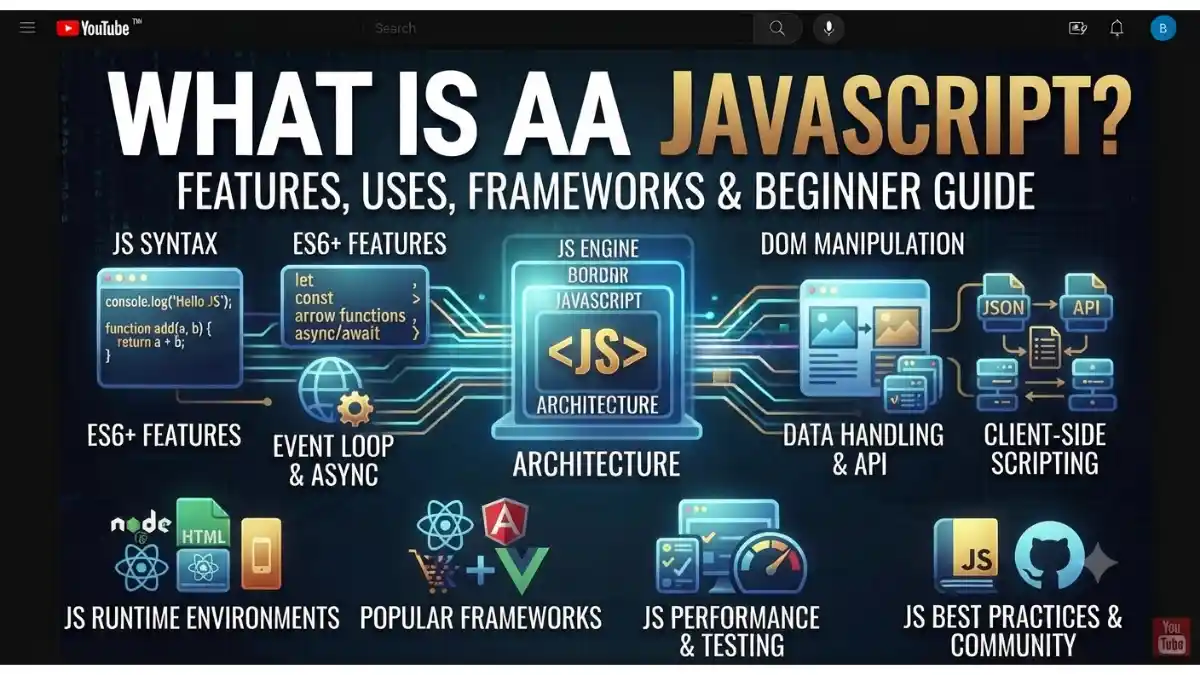
What Is JavaScript?
Whenever you click a button, submit a form, watch a slider move automatically, or see live updates on a website, JavaScript is usually making those interactions possible.
JavaScript (JS) is a high-level, lightweight, and versatile programming language used to make websites interactive and dynamic. It is one of the three core technologies of web development, along with HTML and CSS.
In simple words:
- HTML creates the structure of a webpage.
- CSS designs the webpage.
- JavaScript adds functionality and interactivity.
Today, JavaScript is used not only for websites but also for mobile apps, desktop applications, backend development, games, APIs, and even Internet of Things (IoT) devices.
Table of Contents
- What Is JavaScript?
- Why Is JavaScript Important?
- How Does JavaScript Work?
- Features of JavaScript
- Uses of JavaScript
- JavaScript Syntax
- Variables and Data Types
- Functions in JavaScript
- DOM Manipulation
- Popular JavaScript Frameworks & Libraries
- Advantages of JavaScript
- Limitations of JavaScript
- JavaScript vs HTML vs CSS
- Beginner JavaScript Tutorial
- Best Practices
- Frequently Asked Questions (FAQs)
- Conclusion
Why Is JavaScript Important?
Modern websites and web applications rely heavily on JavaScript to provide a smooth and interactive user experience.
Reasons Why JavaScript Is Important
- Makes websites interactive
- Updates content without reloading the page
- Validates forms before submission
- Creates animations and visual effects
- Powers modern web applications
- Works in all major web browsers
- Supports frontend and backend development
- Has a large developer community and ecosystem
How Does JavaScript Work?
JavaScript code is executed by a JavaScript engine built into modern web browsers (such as Google’s V8 engine in Chrome).
The basic process is:
- The browser loads the HTML page.
- CSS styles the page.
- JavaScript is loaded.
- The JavaScript engine executes the code.
- The webpage responds to user actions such as clicks, typing, or scrolling.
JavaScript can also run outside the browser using environments like Node.js.
Features of JavaScript
JavaScript offers many powerful features.
Lightweight
JavaScript is designed to run efficiently in web browsers.
Interpreted Language
Modern JavaScript engines execute JavaScript directly without requiring a separate compilation step in typical development workflows.
Dynamic Typing
Variables can store different types of values without explicitly declaring their data type.
Example:
let value = 10;
value = “Hello”;
Event-Driven Programming
JavaScript reacts to user actions such as:
- Mouse clicks
- Keyboard input
- Form submission
- Page loading
Object-Oriented Support
JavaScript supports object-oriented programming using objects, classes, and prototypes.
Asynchronous Programming
JavaScript can perform tasks like fetching data from a server without freezing the webpage using:
- Callbacks
- Promises
- Async/Await
Uses of JavaScript
JavaScript is used in many areas of software development.
Website Development
Creates interactive webpages.
Examples:
- Navigation menus
- Image sliders
- Contact forms
- Pop-ups
Web Applications
Powers applications such as:
- Gmail
- Google Docs
- Trello
- Notion
Mobile App Development
Frameworks like React Native allow developers to build mobile apps using JavaScript.
Backend Development
Node.js enables JavaScript to run on servers for building APIs and web applications.
Game Development
JavaScript is used to create browser-based games.
Server Communication
JavaScript can fetch and send data using:
- Fetch API
- AJAX
- WebSockets
JavaScript Syntax
JavaScript syntax is simple and beginner-friendly.
Example:
console.log(“Hello, World!”);
This prints Hello, World! to the browser console.
Variables and Data Types
Variables store information.
Example:
let name = “Rahul”;
let age = 25;
let isStudent = true;
Common data types include:
- String
- Number
- Boolean
- Object
- Array
- Null
- Undefined
- BigInt
- Symbol
Functions in JavaScript
Functions group reusable code.
Example:
function greet(name){
return “Hello ” + name;
}
console.log(greet(“Sourav”));
Output:
Hello Sourav
DOM Manipulation
The Document Object Model (DOM) allows JavaScript to modify HTML elements.
Example:
document.getElementById(“title”).innerHTML = “Welcome!”;
This changes the content of the HTML element with the ID title.
Popular JavaScript Frameworks & Libraries
JavaScript has a rich ecosystem of frameworks and libraries.
React
Developed by Meta, React is widely used for building user interfaces.
Angular
A full-featured framework maintained by Google for building large web applications.
Vue.js
A progressive framework known for its simplicity and flexibility.
Next.js
A React-based framework that supports server-side rendering, static site generation, and other advanced features.
Express.js
A lightweight web framework for Node.js used to build APIs and backend applications.
Svelte
A modern framework that compiles components into efficient JavaScript.
Advantages of JavaScript
Easy to Learn
Its syntax is relatively simple for beginners.
Fast Execution
Modern JavaScript engines optimize code for high performance.
Cross-Platform
JavaScript works on Windows, macOS, Linux, Android, and iOS through browsers and various runtime environments.
Large Community
Millions of developers contribute tutorials, libraries, and tools.
Rich Ecosystem
Thousands of open-source packages are available through npm.
Full-Stack Development
Developers can use JavaScript for both frontend and backend development.
Limitations of JavaScript
Like every language, JavaScript has some limitations.
Browser Compatibility
Some newer features may require polyfills or may not work in older browsers.
Security Considerations
Client-side JavaScript code is visible to users, so sensitive business logic should remain on the server.
Single-Threaded Nature
JavaScript executes on a single main thread, though asynchronous APIs and Web Workers help handle many tasks efficiently.
JavaScript vs HTML vs CSS
| Feature | HTML | CSS | JavaScript |
| Purpose | Structure | Design | Functionality |
| Creates Content | ✅ Yes | ❌ No | ❌ No |
| Adds Styling | ❌ No | ✅ Yes | Limited |
| Adds Interactivity | ❌ No | ❌ No | ✅ Yes |
| Handles Events | ❌ No | ❌ No | ✅ Yes |
Beginner JavaScript Tutorial
Follow these steps to write your first JavaScript program.
Step 1: Create an HTML File
<!DOCTYPE html>
<html>
<head>
<title>JavaScript Demo</title>
</head>
<body>
<h1 id=”title”>Hello</h1>
<script src=”script.js”></script>
</body>
</html>
Step 2: Create a JavaScript File
Save a file as:
script.js
Step 3: Add JavaScript Code
document.getElementById(“title”).innerHTML = “Welcome to JavaScript!”;
Open the HTML file in a browser to see the updated heading.
Best Practices
Follow these tips to write clean JavaScript code.
- Use meaningful variable and function names.
- Prefer let and const over var.
- Keep functions small and focused.
- Comment complex logic when necessary.
- Handle errors using try…catch where appropriate.
- Avoid unnecessary global variables.
- Format your code consistently.
- Use modern JavaScript features (ES6+) when supported.
Frequently Asked Questions (FAQs)
What is JavaScript in simple words?
JavaScript is a programming language that adds interactivity and dynamic behavior to websites, such as buttons, forms, animations, and live content updates.
Is JavaScript the same as Java?
No. Despite their similar names, JavaScript and Java are different programming languages with different purposes and syntax.
Can I learn JavaScript without HTML and CSS?
You can learn JavaScript independently, but understanding basic HTML and CSS makes it much easier to build interactive web pages.
Is JavaScript only used for websites?
No. JavaScript is also used for backend development (Node.js), mobile apps, desktop applications, browser extensions, games, and more.
Is JavaScript easy for beginners?
Yes. JavaScript is considered one of the best programming languages for beginners because of its simple syntax, wide adoption, and extensive learning resources.
Conclusion
JavaScript is one of the most important programming languages in modern software development. It brings websites to life by adding interactivity, dynamic content, animations, and real-time functionality.
With its support for frontend, backend, mobile, and desktop development, JavaScript has become a versatile language used across many industries. By learning JavaScript fundamentals, understanding the DOM, and exploring popular frameworks like React, Angular, and Vue, beginners can build a strong foundation for a career in web and software development.