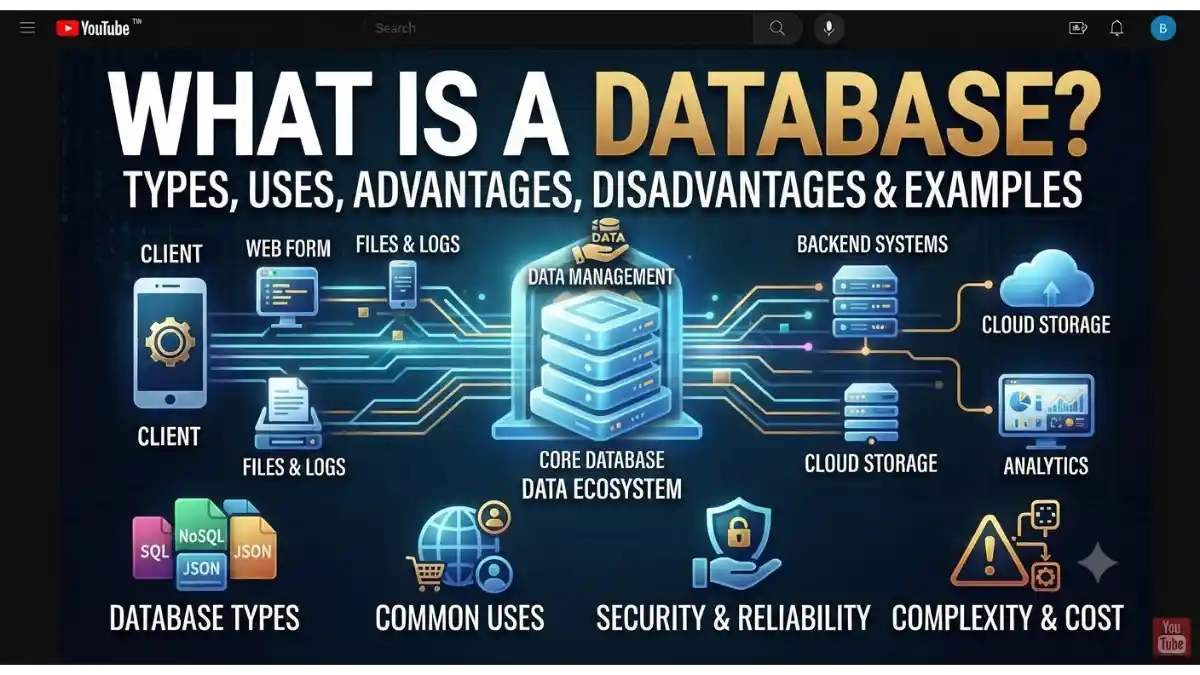
What Is a Database?
Every day, millions of people use banking apps, social media, online shopping websites, and mobile applications. All these platforms store and manage huge amounts of information, such as user accounts, orders, messages, and payment records. This information is organized in a database.
A Database is an organized collection of data that is stored electronically and can be easily accessed, managed, updated, and retrieved whenever needed.
In simple words, a database is like a digital filing cabinet where information is stored in an organized way, making it easy to find and update.
Whether it’s a small contact list or a large e-commerce website with millions of products, databases help keep information structured and accessible.
Table of Contents
- What Is a Database?
- Why Is a Database Important?
- How Does a Database Work?
- Types of Databases
- Components of a Database
- Popular Database Management Systems (DBMS)
- Real-World Uses of Databases
- Advantages of Databases
- Disadvantages of Databases
- Database vs Spreadsheet
- Database Security Best Practices
- Frequently Asked Questions (FAQs)
- Conclusion
Why Is a Database Important?
Managing information manually becomes difficult as data grows. Databases make it easier to store, organize, and retrieve information efficiently.
Reasons Why Databases Are Important
- Store large amounts of data
- Organize information efficiently
- Retrieve data quickly
- Reduce data duplication
- Improve data accuracy
- Support multiple users
- Enhance security
- Enable data backup and recovery
Without databases, many modern websites and applications would not function effectively.
How Does a Database Work?
A database stores data in a structured format and allows users or applications to interact with it through a Database Management System (DBMS).
The basic process is:
- Data is entered into the database.
- The DBMS stores the data in an organized structure.
- Users or applications send queries to request information.
- The DBMS retrieves the requested data.
- The results are returned to the user or application.
Many relational databases use SQL (Structured Query Language) to create, read, update, and delete data.
Types of Databases
Different databases are designed for different purposes.
1. Relational Database
A relational database stores data in tables made up of rows and columns. Relationships between tables help organize related information.
Examples:
- MySQL
- PostgreSQL
- Microsoft SQL Server
- Oracle Database
2. NoSQL Database
NoSQL databases are designed to handle large volumes of unstructured or semi-structured data.
Examples:
- MongoDB
- Cassandra
- Couchbase
- Redis
3. Object-Oriented Database
Stores information as objects, making it suitable for object-oriented programming environments.
4. Distributed Database
Data is stored across multiple servers or locations while appearing as a single database.
Used by:
- Global businesses
- Cloud platforms
5. Cloud Database
A cloud database is hosted on cloud infrastructure instead of on local servers.
Examples:
- Amazon RDS
- Google Cloud SQL
- Azure SQL Database
6. Data Warehouse
A data warehouse is designed for reporting, analytics, and business intelligence.
Examples:
- Snowflake
- Google BigQuery
- Amazon Redshift
Components of a Database
A database consists of several important elements.
Tables
Tables organize data into rows and columns.
Example:
| Student ID | Name | Class |
| 101 | Rahul | 10 |
| 102 | Priya | 10 |
Records
A record is one complete row of information in a table.
Fields
A field is a single column, such as Name or Email.
Primary Key
A primary key uniquely identifies each record in a table.
Index
Indexes help databases retrieve data faster.
Queries
Queries are instructions used to search, filter, or update data.
Popular Database Management Systems (DBMS)
A DBMS is software that helps users create, manage, and maintain databases.
Popular DBMS examples include:
- MySQL
- PostgreSQL
- Oracle Database
- Microsoft SQL Server
- SQLite
- MongoDB
- MariaDB
- IBM Db2
Real-World Uses of Databases
Databases are used in almost every industry.
Banking
- Customer accounts
- Transactions
- Loan records
E-commerce
- Product catalogs
- Orders
- Customer information
- Inventory
Healthcare
- Patient records
- Appointments
- Medical history
Education
- Student records
- Attendance
- Exam results
Social Media
- User profiles
- Posts
- Comments
- Messages
Travel and Booking
- Flight reservations
- Hotel bookings
- Ticket management
Government
- Citizen records
- Tax information
- Public services
Advantages of Databases
Databases provide many benefits for individuals and organizations.
Organized Data Storage
Keeps information structured and easy to manage.
Faster Data Retrieval
Allows users to find information quickly using queries.
Improved Data Accuracy
Reduces duplicate and inconsistent data through validation and constraints.
Better Security
Access controls and permissions help protect sensitive information.
Backup and Recovery
Most DBMS platforms provide tools to back up and restore data.
Supports Multiple Users
Many users can access and update the database simultaneously, depending on the system.
Scalability
Modern databases can grow to handle increasing amounts of data and users.
Disadvantages of Databases
Despite their benefits, databases also have some limitations.
High Initial Cost
Enterprise database systems and infrastructure can be expensive.
Complexity
Designing and maintaining databases requires technical knowledge.
Security Risks
Poor configuration or weak security can expose sensitive data.
Maintenance Requirements
Databases require regular updates, monitoring, and backups.
Hardware and Resource Usage
Large databases may require significant storage, memory, and processing power.
Database vs Spreadsheet
| Feature | Database | Spreadsheet |
| Data Size | Large | Small to Medium |
| Multiple Users | Yes | Limited |
| Speed | High | Slower with Large Data |
| Security | Advanced | Basic |
| Relationships | Supported | Limited |
| Best For | Business Applications | Simple Calculations and Lists |
Database Security Best Practices
Protecting database information is essential.
Use Strong Authentication
Require secure usernames, passwords, and multi-factor authentication where possible.
Encrypt Sensitive Data
Encrypt data both while it is stored and while it is transmitted.
Regular Backups
Create automated backups to prevent data loss.
Restrict User Access
Give users only the permissions they need.
Keep Software Updated
Install security updates for the DBMS and operating system regularly.
Monitor Activity
Review logs and monitor for unusual database activity.
Popular Database Software
Some of the most widely used database solutions include:
- MySQL
- PostgreSQL
- Oracle Database
- Microsoft SQL Server
- MongoDB
- SQLite
- MariaDB
- Redis
- Cassandra
- Firebase Realtime Database / Cloud Firestore
Frequently Asked Questions (FAQs)
What is a database in simple words?
A database is an organized collection of data that can be stored, managed, updated, and accessed electronically.
What is a DBMS?
A DBMS (Database Management System) is software that allows users to create, manage, and interact with databases.
What is the difference between SQL and NoSQL databases?
SQL databases use structured tables and predefined schemas, while NoSQL databases are designed to handle flexible, unstructured, or semi-structured data.
Where are databases used?
Databases are used in banking, healthcare, education, e-commerce, social media, government systems, travel services, and many other industries.
Can beginners learn databases?
Yes. Beginners can start with SQL and databases like MySQL or SQLite before exploring advanced topics such as PostgreSQL, MongoDB, and cloud databases.
Conclusion
Databases are the foundation of modern digital systems. They help store, organize, manage, and retrieve information efficiently, making them essential for websites, mobile apps, business software, and cloud services.
By understanding how databases work, the different types available, their advantages and limitations, and the role of DBMS software, beginners can build a strong foundation in data management. Whether you’re learning programming, developing applications, or running a business, database knowledge is a valuable skill in today’s technology-driven world.