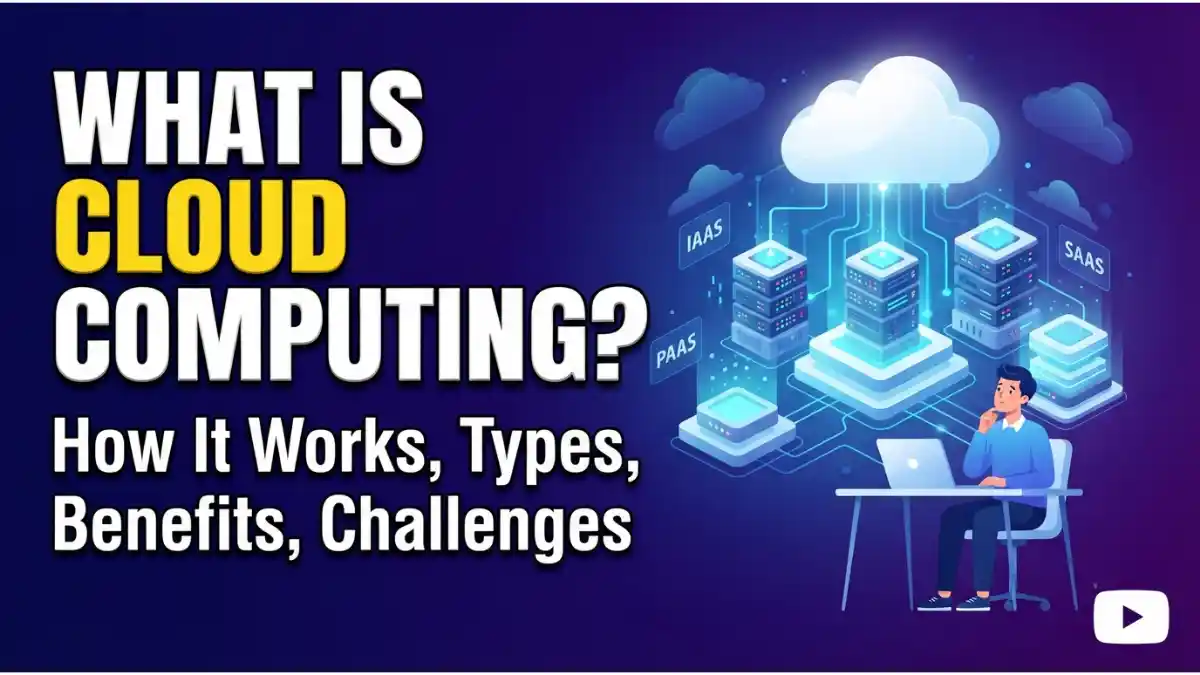
What Is Cloud Computing? The Definitive Guide
Cloud computing has completely revolutionized how businesses and individuals store data, run applications, and scale infrastructure. Instead of maintaining expensive physical servers and hard drives on-site, organizations rent access to storage, processing power, and software over the internet on a pay-as-you-go basis.
1. What Is Cloud Computing?
At its core, cloud computing is the delivery of computing services—including servers, storage, databases, networking, software, analytics, and intelligence—over the Internet (“the cloud”).
Rather than keeping files on a proprietary hard drive or local storage device, cloud-based storage makes saving data to a remote database possible. As long as an electronic device has web access, it has access to the data and the software programs needed to run it.
2. How Cloud Computing Works
Cloud computing works by enabling client devices to data-access data and cloud applications over the internet from remote servers, databases, and computers.
- The Front End: The user’s side (client computer or mobile device, browser, and cloud application interface).
- The Back End: The cloud itself, comprising servers, storage systems, and centralized computers that securely store data and run complex algorithms.
- The Network: A central server acts as an administrator, traffic controller, and bridge between the front-end and back-end using protocols like TCP/IP and APIs to ensure seamless communication.
3. Types of Cloud Computing Services
Cloud computing services are generally categorized into three main models, often called the cloud computing stack:
I. Infrastructure as a Service (IaaS)
The most basic category. You rent IT infrastructure—servers and virtual machines (VMs), storage, networks, and operating systems—from a cloud provider on a pay-as-you-go basis.
- Examples: Amazon Web Services (AWS) EC2, Google Compute Engine, Microsoft Azure VMs.
II. Platform as a Service (PaaS)
PaaS supplies an on-demand environment for developing, testing, delivering, and managing software applications. It is designed to make it easier for developers to quickly create web or mobile apps without worrying about setting up or managing the underlying infrastructure.
- Examples: Heroku, Google App Engine, AWS Elastic Beanstalk.
III. Software as a Service (SaaS)
SaaS delivers software applications over the internet, on-demand, typically via a subscription model. Cloud providers host and manage the software application and underlying infrastructure, ensuring security and patching.
- Examples: Google Workspace, Microsoft 365, Salesforce, Dropbox.
4. Deployment Models: Public, Private, and Hybrid Cloud
Not all clouds are the same. Several different models can be deployed depending on security, budget, and operational requirements:
- Public Cloud: Owned and operated by a third-party cloud service provider (e.g., AWS, Microsoft Azure), delivering computing resources like servers and storage over the internet.
- Private Cloud: Cloud infrastructure used exclusively by a single business or organization. It can be physically located at the organization’s on-site datacenter or hosted by a third-party service provider.
- Hybrid Cloud: Combines public and private clouds, bound together by technology that allows data and applications to be shared between them for greater flexibility and deployment options.
5. Key Benefits of Cloud Computing
Transitioning to the cloud offers massive advantages over traditional on-premises infrastructure:
- Cost Savings: Eliminates the capital expense of buying hardware and software and setting up on-site datacenters.
- Speed and Agility: Resources can be provisioned in minutes with just a few clicks, providing vast flexibility and taking the pressure off capacity planning.
- Global Scale: Cloud services can scale elastically—delivering the right amount of IT resources right when they’re needed from geographic locations closest to the end user.
- Performance: Major cloud computing services run on a worldwide network of secure datacenters, which are regularly upgraded to the latest generation of fast and efficient computing hardware.
- Security: Cloud providers offer a broad set of policies, technologies, and controls that strengthen your overall security posture, protecting data, apps, and infrastructure from potential threats.
6. Challenges and Risks of Cloud Computing
Despite its benefits, cloud computing comes with certain challenges that organizations must navigate:
- Downtime and Outages: Because cloud services rely entirely on the internet, internet outages or provider server issues can momentarily disrupt access to data and tools.
- Security and Privacy Concerns: Storing sensitive corporate data on third-party servers requires immense trust in the provider’s security frameworks and compliance standards.
- Cost Management: Without proper monitoring, pay-as-you-go cloud bills can spiral out of control, especially when idle resources are left running.
- Vendor Lock-In: Migrating from one cloud provider to another can be complex, expensive, and technically difficult due to proprietary architectures.
7. Real-World Examples of Cloud Computing
Cloud computing powers the digital tools and apps we use every day:
- Netflix: Relies entirely on AWS cloud infrastructure to stream petabytes of video data to millions of concurrent users globally.
- Google Drive / Dropbox: Provides scalable cloud storage allowing users to access files instantly across any device.
- Salesforce: Delivers enterprise CRM software entirely via a SaaS cloud framework.
Conclusion
Cloud computing has shifted from being a futuristic tech alternative to the backbone of modern digital infrastructure. Whether you are an enterprise scaling global web applications or an individual backing up personal files, understanding the mechanics, types, and strategies of the cloud is essential for navigating the modern digital ecosystem.